
Smart BIN Analytics
For Faster Decisions
Upload, view, search BIN and card data, manage files, generate reports, and securely access all features via our REST API.
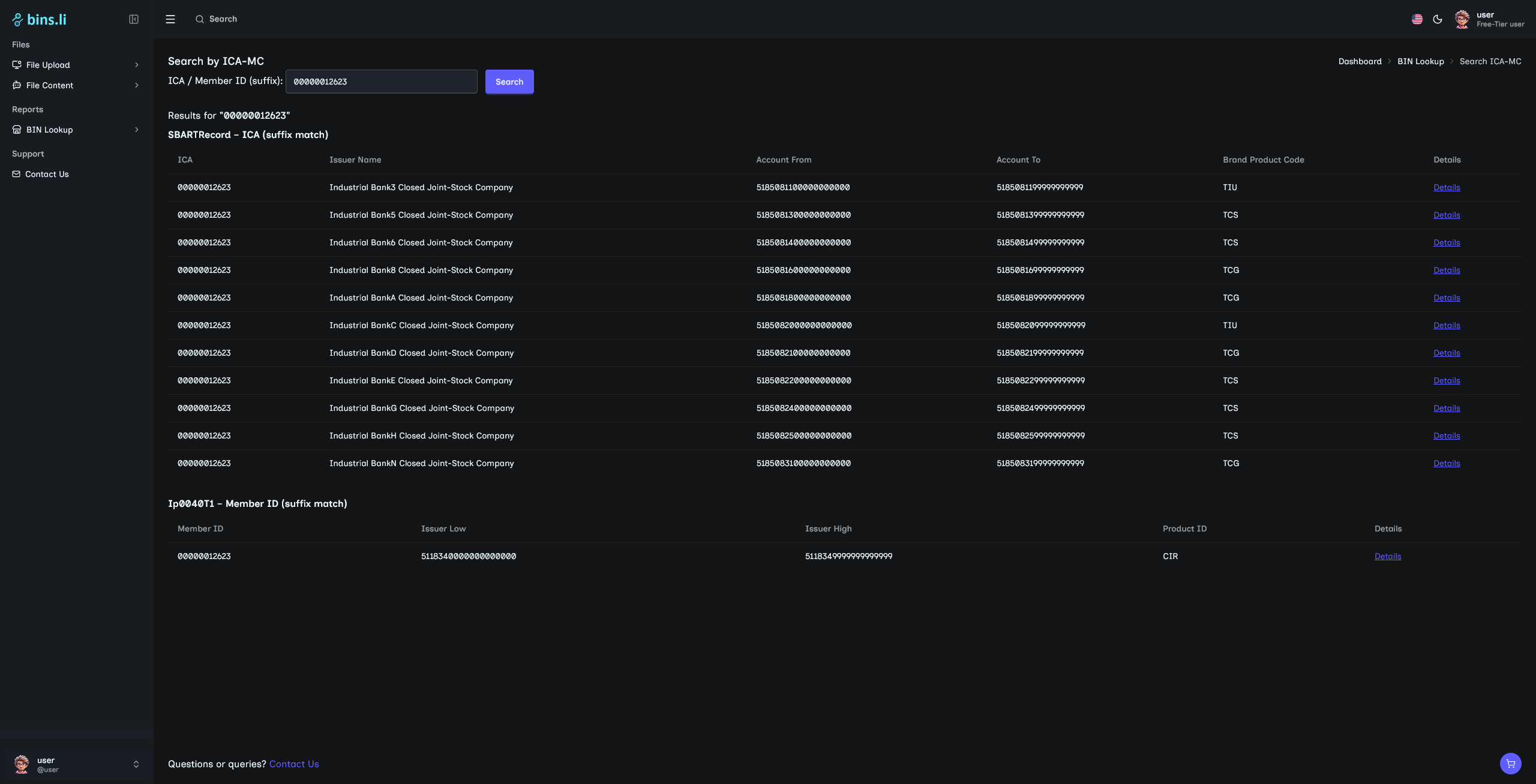
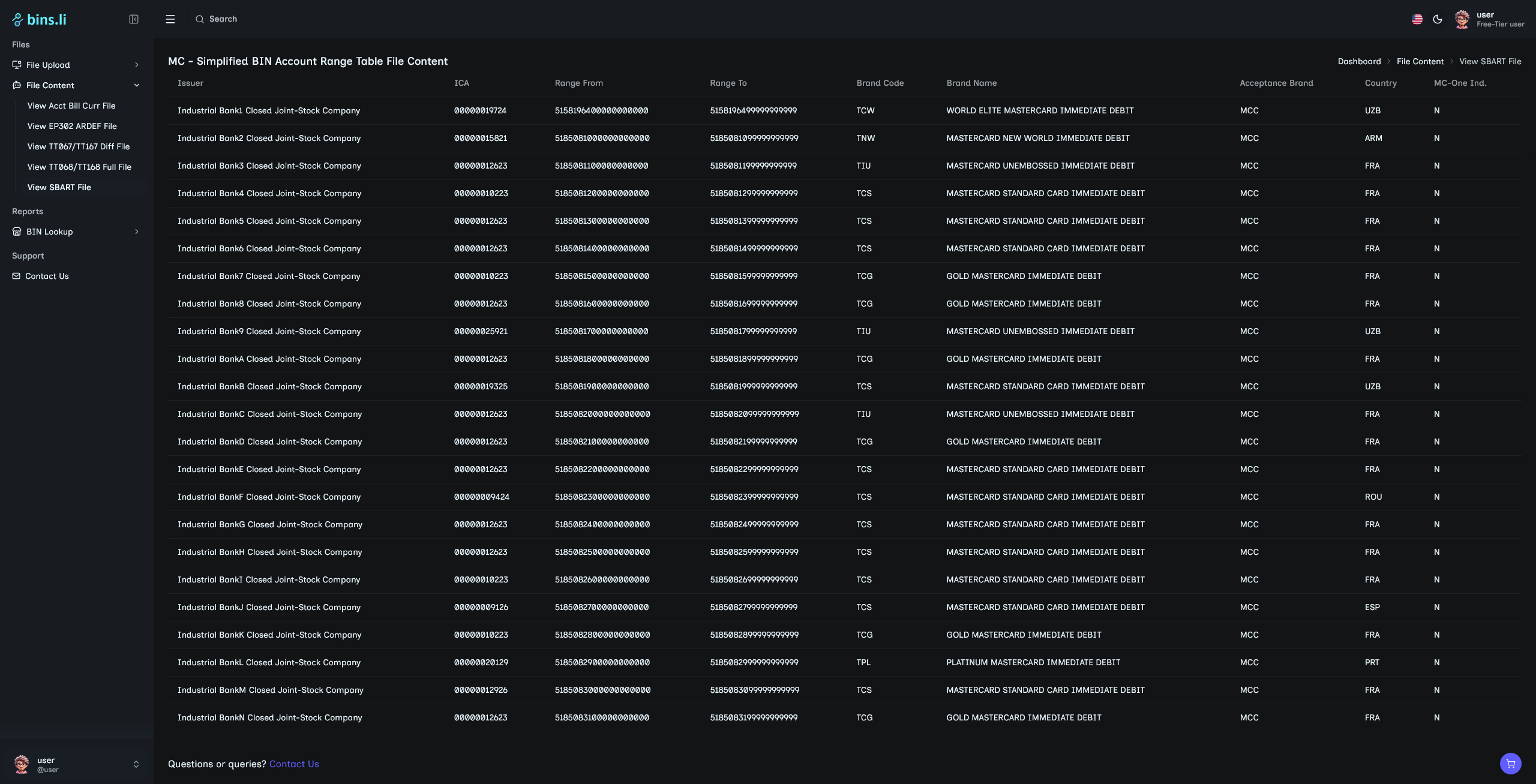
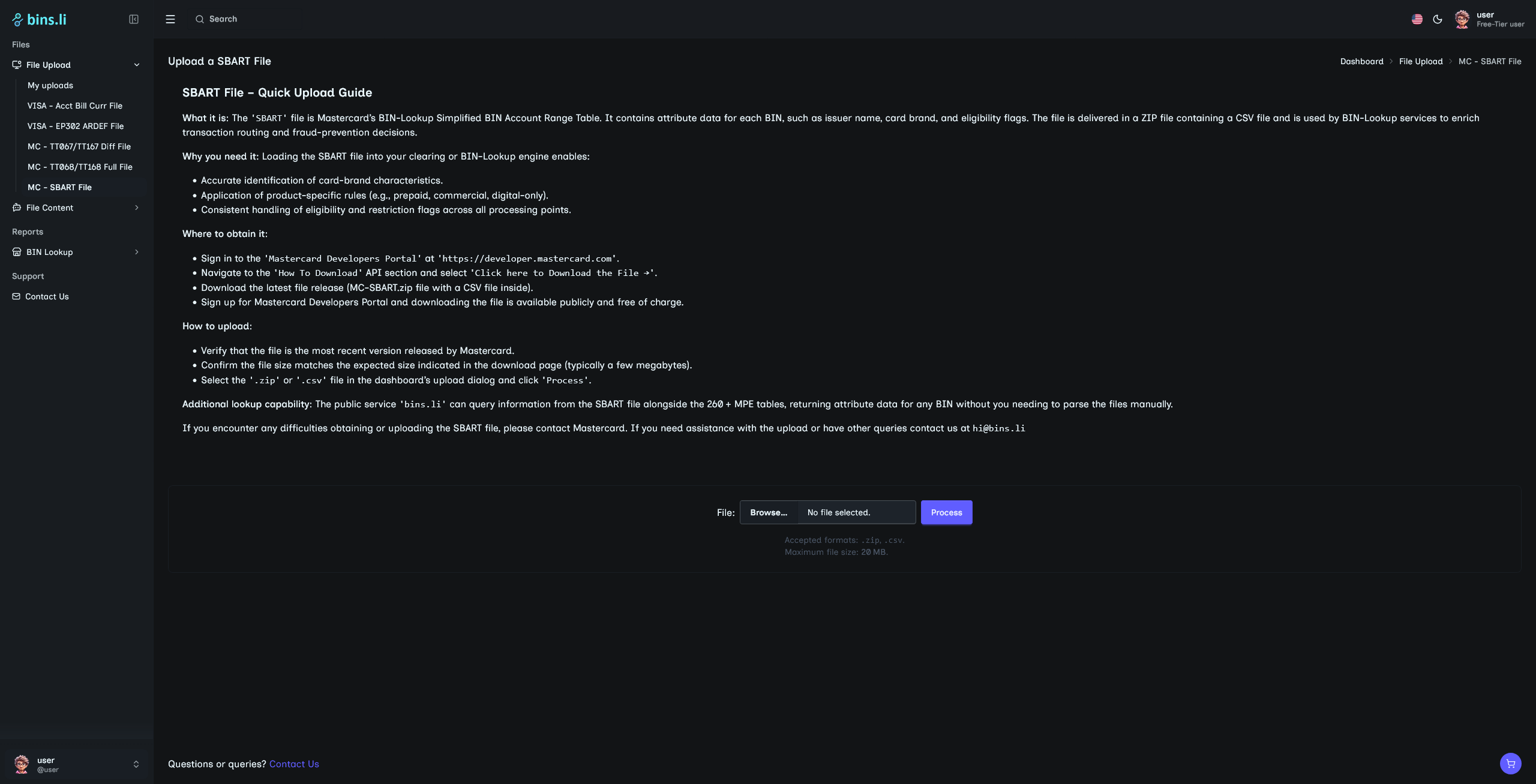
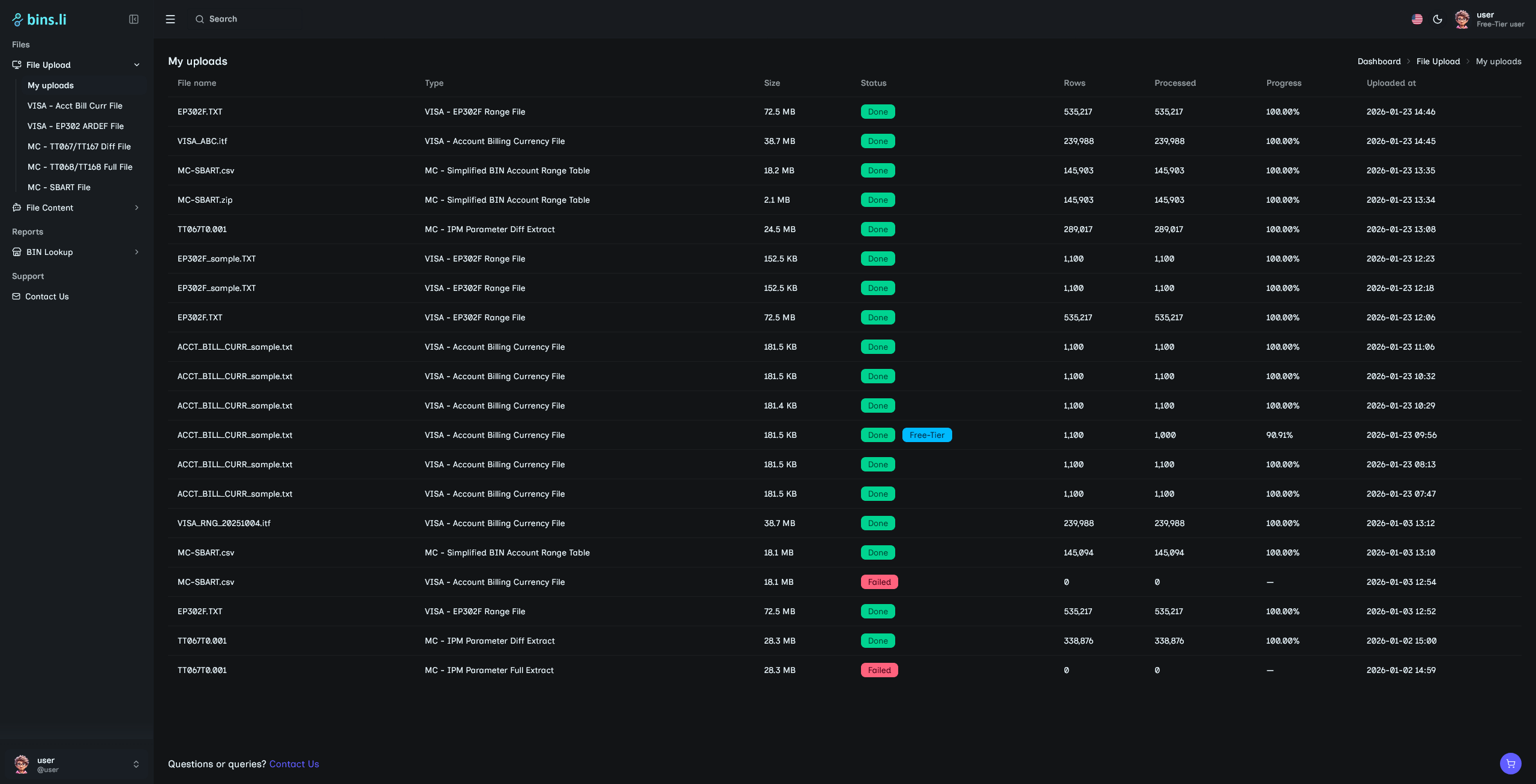
File Format Support For (more on the way):
Visa Account Billing Currency file.
Visa EP302 ARDEF file.
Mastercard MPE differential
(TT067/TT167) and full (TT068/TT168).
Mastercard SBART file.


One‑of‑a‑Kind BIN Intelligence
A truly unique platform – no other site offers comprehensive BIN and bank insights in a single place.
Multi‑File Import Engine
Upload VISA & Mastercard files together – no manual stitching required.
User-Friendly Dashboard
Enjoy a sleek, responsive design for easy navigation and real-time insights.
Instant BIN Insights
Get real‑time visibility into issuer ranges, program identifiers and token‑BIN flags.
Deep Bank Intelligence
Analyse issuing banks’ activity, market share and risk profiles at a glance.
Export‑Ready Reports
Generate downloadable CSV reports with a single click.
Robust REST API
Integrate bins.li data straight into your internal systems or third‑party tools.
Cost‑Effective Pricing
Enjoy powerful BIN analytics without the enterprise‑grade price tag.
Future‑Proof Roadmap
Continuous feature releases—keeping bins.li ahead of the curve.
Support Center
If you still have questions, don’t hesitate to reach out. Contact us anytime for quick assistance.
Contact Usbins.li parses Visa and Mastercard data files you upload, extracts transaction and BIN information, and produces a reports based on the search terms you provide.
The platform accepts the standard Visa Account Billing Currency file, Visa EP302 ARDEF file, Mastercard MPE differential (TT067/TT167) and full (TT068/TT168) files, as well as the Mastercard SBART file.
From the File Upload section in the Dashboard choose the appropriate link (e.g., “VISA – Acct Bill Curr File”), select your local file, and submit. Reports are generated only after a file has been successfully uploaded.
Yes. After uploading, the File Content section provides “View …” links for each file type, letting you inspect the original data before further processing.
Use the BIN Lookup section or our API. In the dashboard you can search by BIN number, bank name, Mastercard ICA code, or Visa IID code to retrieve detailed information about that issuer.
If you have questions or encounter issues, click the Contact Us. The team will respond promptly.
For details regarding pricing, click the Contact Us. The team will respond promptly.


bins.li is a unique platform providing comprehensive insights into BIN data. With a user-friendly dashboard, robust REST API, and support for multiple file formats, it empowers users to make faster, smarter decisions based on BIN analytics.
Quick links
BINS.LI